
Seedance 2.5 now supports 4K with Draft Mode

Big news, as Seedance 2.5 added support for native 4K renders on Oxen.ai. You can go straight to the big screen with a single model. No upscaler inventing details. We are the first platform to support this feature, so get it while it is hot! The outputs look really good, but the can be pricey. That's where "Draft Mode" comes in.
If are a visual learner and want to learn how to save money while using draft mode with 4K, check out this video. Otherwise, follow along with the rest of this post.
Draft Mode
The reality is, video generation with Seedance 2.5 at higher resolutions can be expensive. This is why Seedance 2.5 has a feature called "draft mode". Draft mode lets you iterate at 480p, at a fraction of the cost. Once you like a result, you can finish it at 1080p, or even 4K. The final video keeps the composition and motion consistent. This means no more rolling the dice, or hoping an upscaler can hallucinate the details.
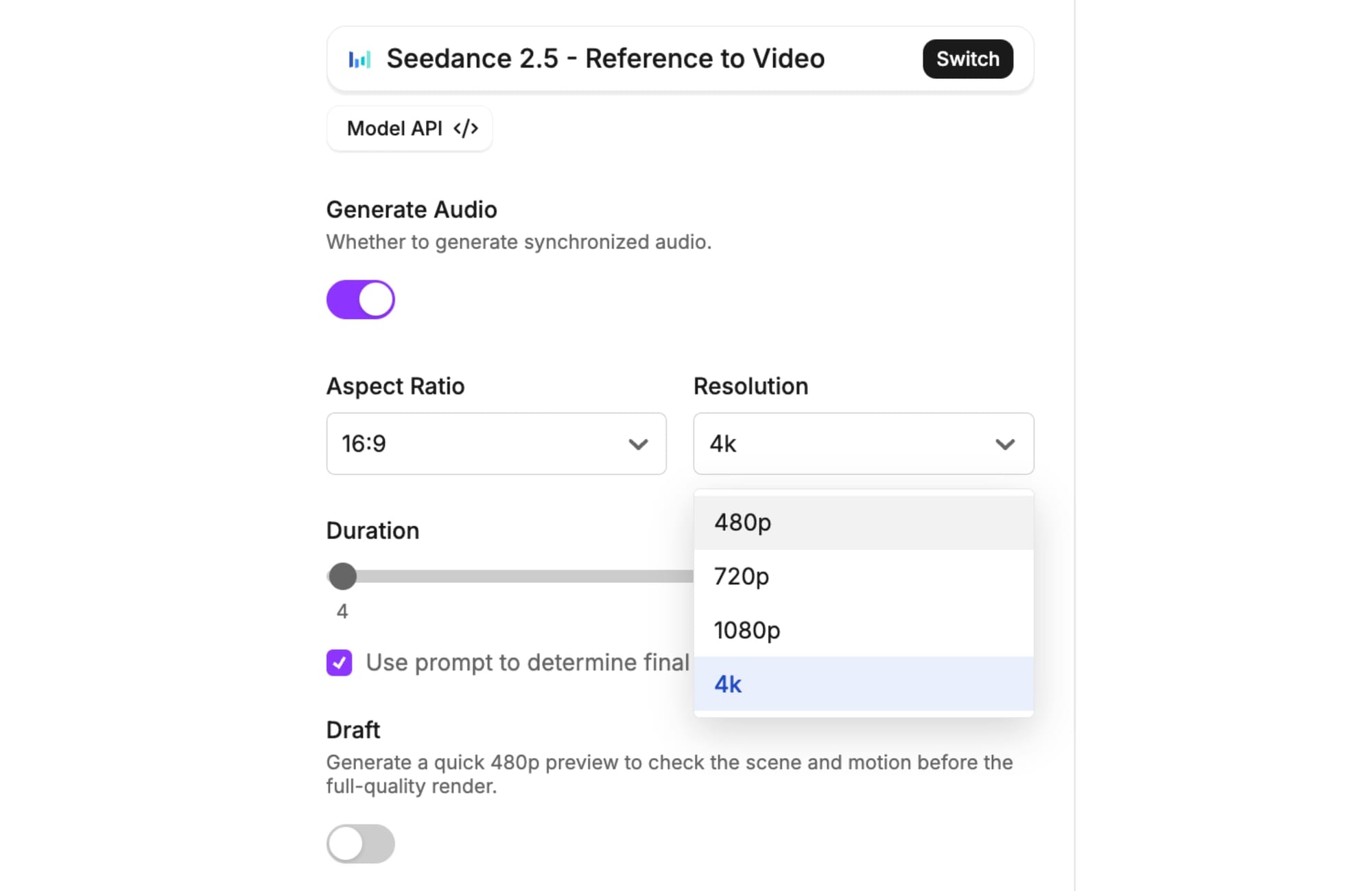
Draft mode is not an upscaler. When you generate a 480p draft, Seedance 2.5 saves all the inputs behind it: your prompt, reference images, duration, aspect ratio, audio setting, and seed. Send that draft’s task ID back within seven days and the model renders a fresh, native 1080p video from the same inputs, keeping the composition and motion you approved. An upscaler only sees low-res pixels and has to guess at the missing detail. Draft mode generates that detail from the original instructions.
Depending on how many renders it takes you to get to your final video, the savings can add up quick.
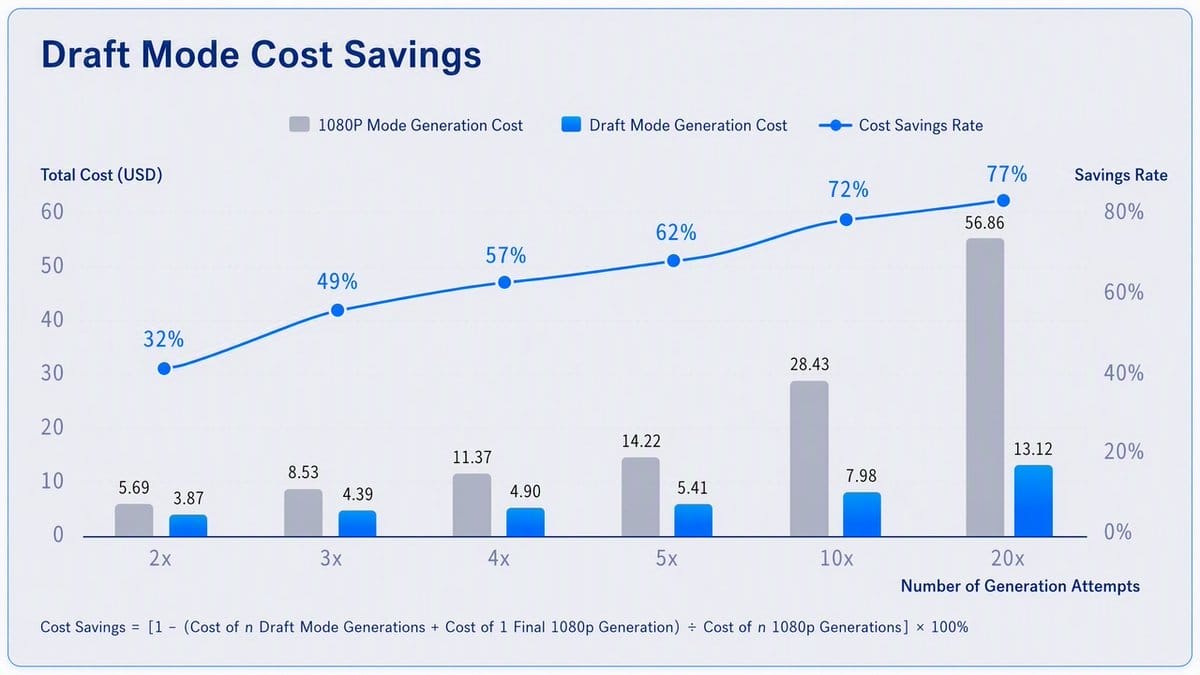
How to use it
There are two ways you can use draft mode in Oxen.ai - through the API or UI. Either way, navigate to Seedance 2.5 - Reference to Video to see the options.
https://www.oxen.ai/ai/models/bytedance-seedance-2-5-reference-to-video
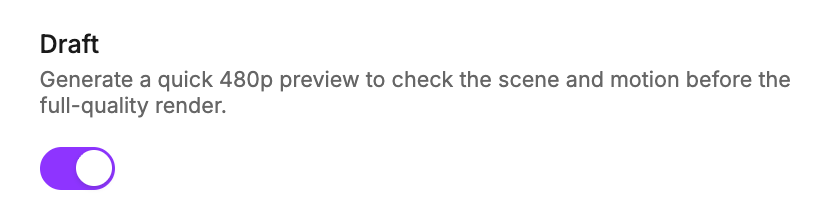
If you are using the UI, open it in the workbench, and look for the "draft" switch. This will automatically lock you into a 480p generation, that can be finalized at a high resolution.
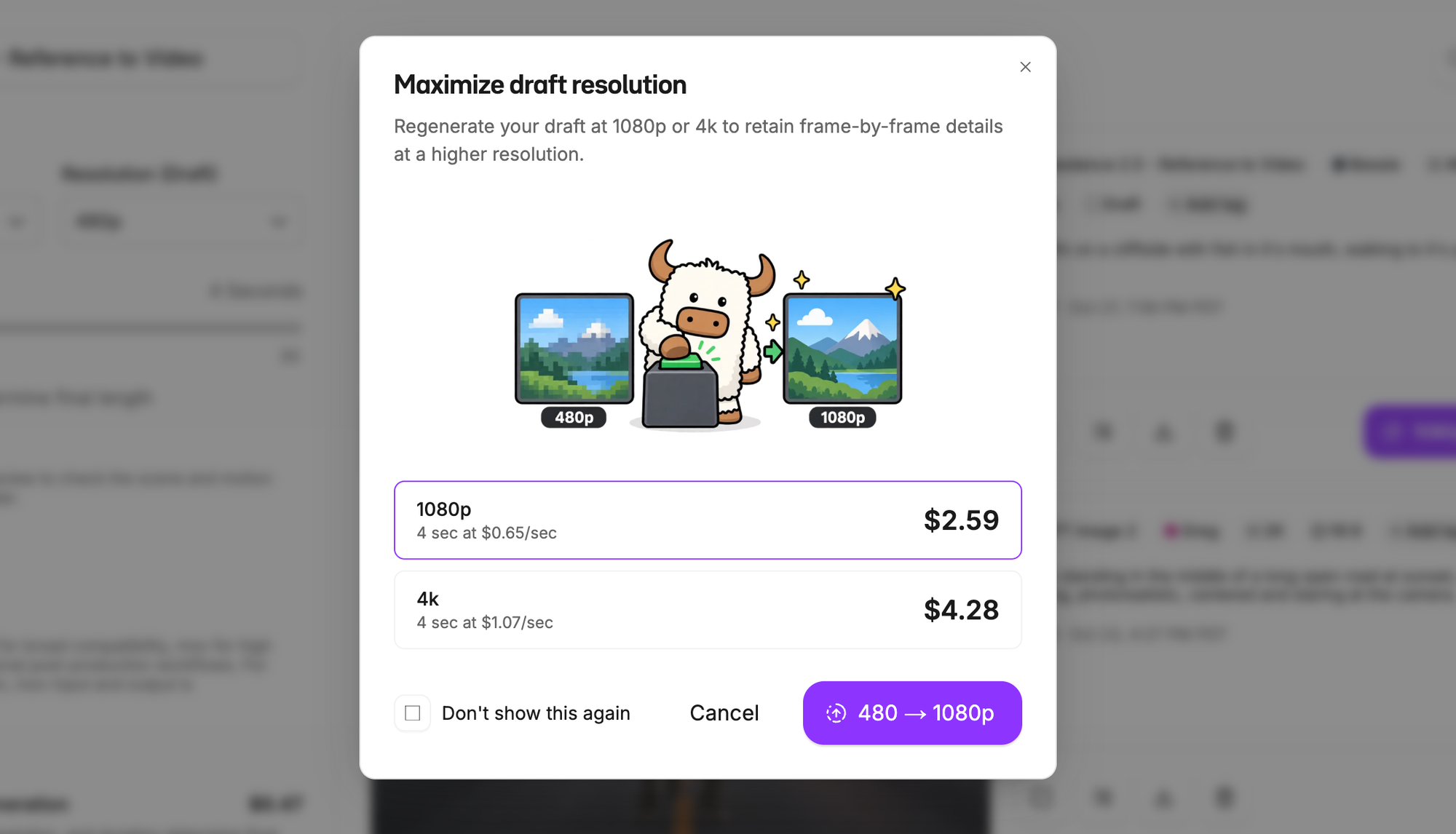
After the generation completes, click 1080p or 4K on the card.
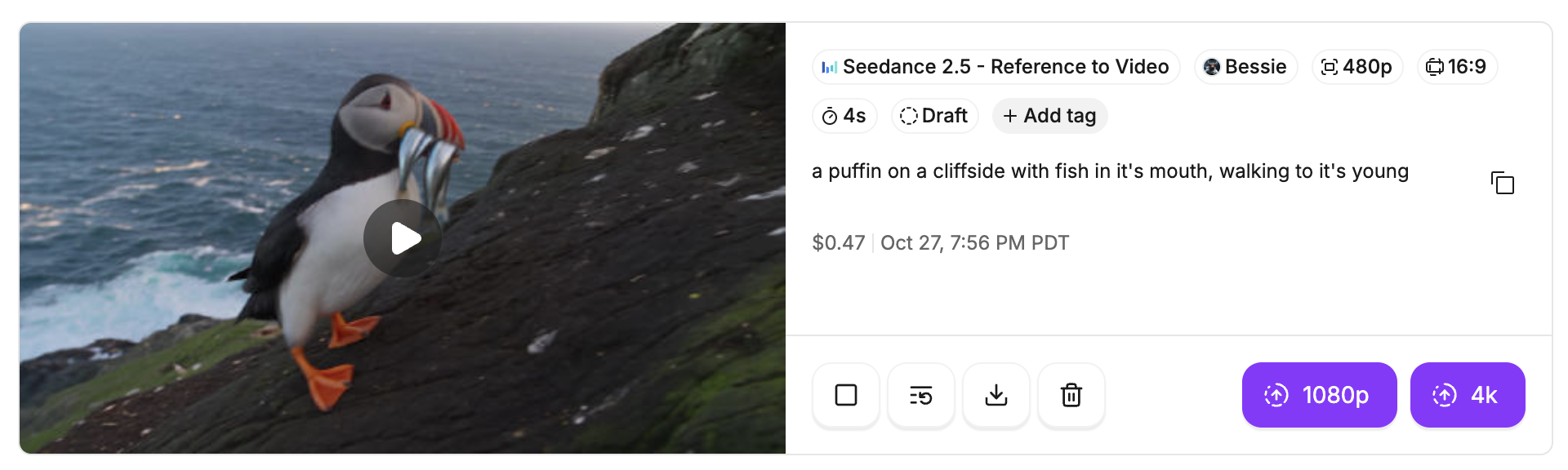
That will bring up the option to finish the render in the higher resolution.
Use it via the API
If you are integrating this into your own tool or workflow, point your agent at our developer docs.
First you need to enqueue the draft.
curl -X POST https://hub.oxen.ai/api/ai/queue \
  -H "Authorization: Bearer $OXEN_API_KEY" \
  -H "Content-Type: application/json" \
  -d '{
    "model": "bytedance-seedance-2-5-text-to-video",
    "prompt": "A lone ox walks down an empty desert highway at golden hour",
    "duration": 5,
    "draft": true
  }'
This will return a generation id.
{ "generations": [{ "generation_id": "d8656ef0-085c-498e-afe2-289442222450", "status": "queued" }] }
Then poll the response to wait for the draft to finish.
curl https://hub.oxen.ai/api/ai/queue/d8656ef0-085c-498e-afe2-289442222450 \
  -H "Authorization: Bearer $OXEN_API_KEY"
Once status succeeds, read the draft ID from the response.
{
  "generation_id": "d8656ef0-085c-498e-afe2-289442222450",
  "model_name": "bytedance-seedance-2-5-text-to-video",
  "media_type": "video",
  "status": "succeeded",
  "result_url": "https://hub.oxen.ai/api/repos/ox/playground/workspaces/269822c4-.../files/20260926-034218_a-lone-ox-walks-down-an-empty-desert-highway-at_0e48f80b.mp4?oxen_expires=1790397738&oxen_signature=...",
  "videos": [
    {
      "url": "https://hub.oxen.ai/api/repos/ox/playground/workspaces/269822c4-.../files/20260926-034218_a-lone-ox-walks-down-an-empty-desert-highway-at_0e48f80b.mp4?oxen_expires=1790397738&oxen_signature=...",
      "draft_task_id": "cgt-20260926114114-r4bb8",
      "draft_expires_at": "2026-10-01T18:04:11Z"
    }
  ]
}
When you are ready to finalize, send back in the draft_task_id to the /ai/queue api.
curl -X POST https://hub.oxen.ai/api/ai/queue \
  -H "Authorization: Bearer $OXEN_API_KEY" \
  -H "Content-Type: application/json" \
  -d '{
    "model": "bytedance-seedance-2-5-text-to-video",
    "draft_task_id": "cgt-20260926114114-r4bb8"
  }'
Use the same API to poll the response and wait for the high resolution render.
Conclusion
Draft mode changes the economics of working with Seedance 2.5. Iterate cheap at 480p, pick the take you love, then finish it at 1080p or 4K with the same composition and motion. Just remember drafts expire after 7 days, so finalize before the cache clears. Try it out on Oxen.ai, or wire it into your own pipeline with the API docs.
Feel free to reach out with any feedback or requests at hello@oxen.ai. Happy generating!